🚚 Free Worldwide Shipping on All Orders!Shop Now
$30.00
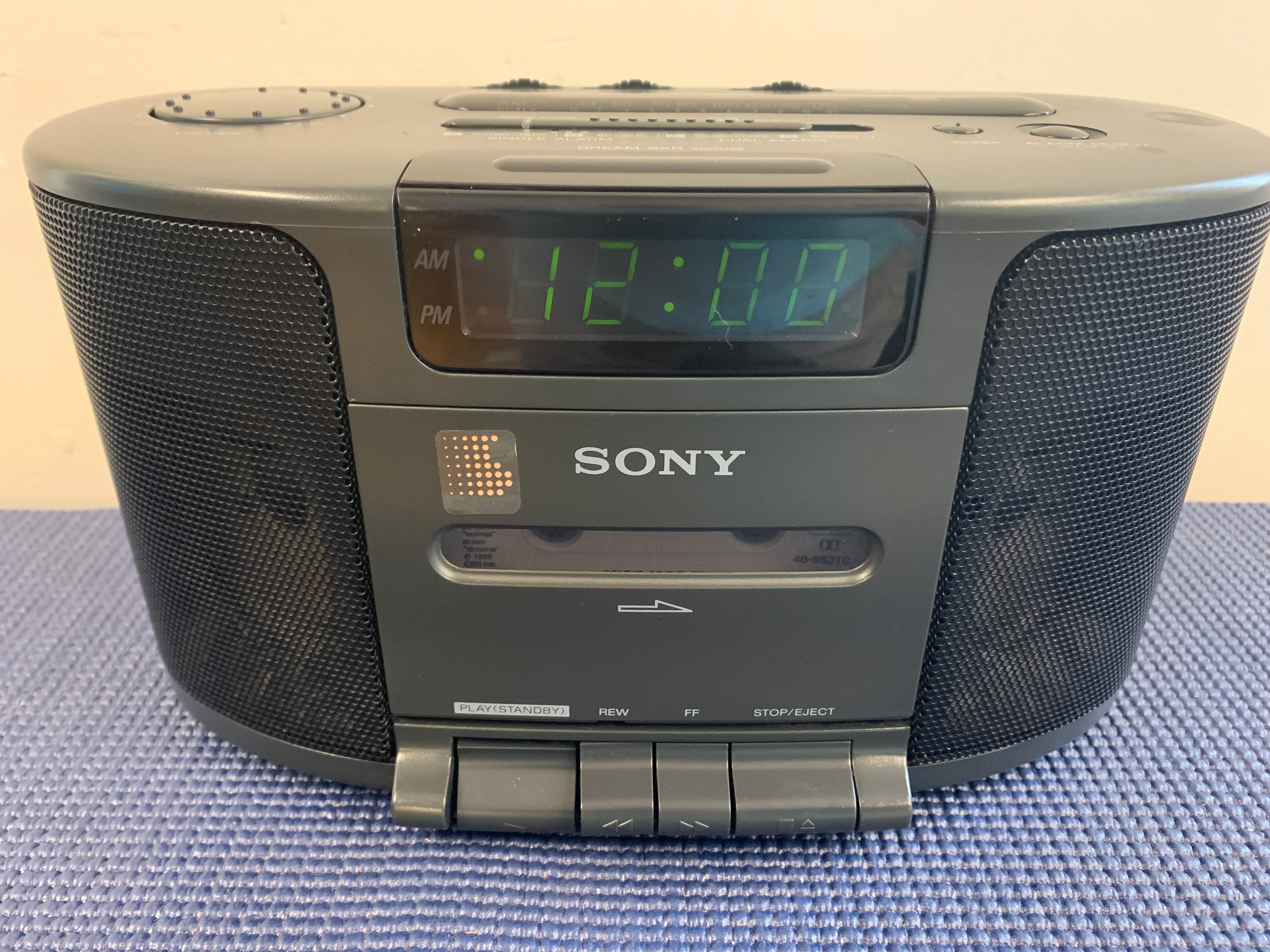
Sony ICF-CS650 Radio-Cassette Alarm Clock - Dream Machine—
$30.00
The Story
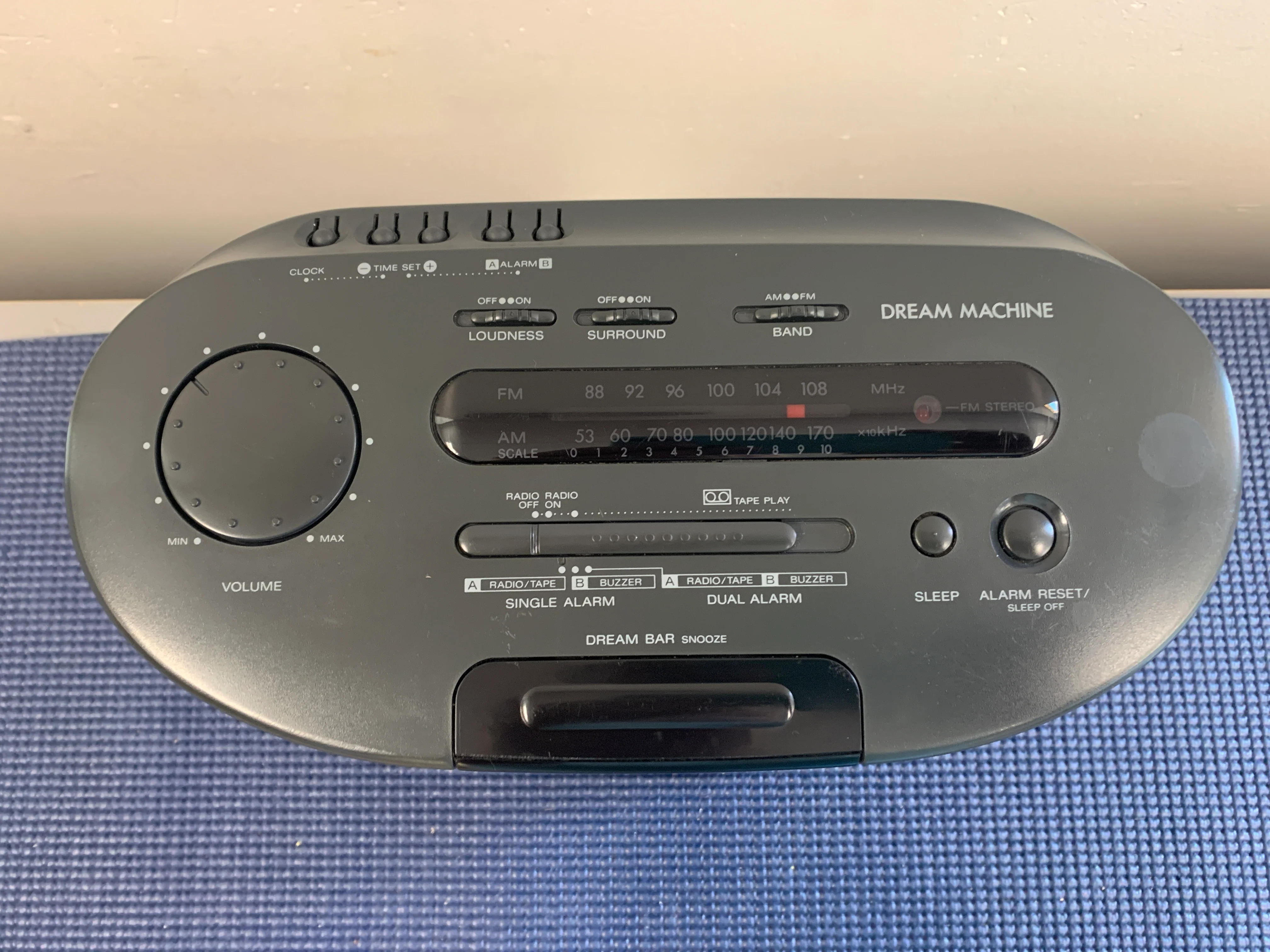
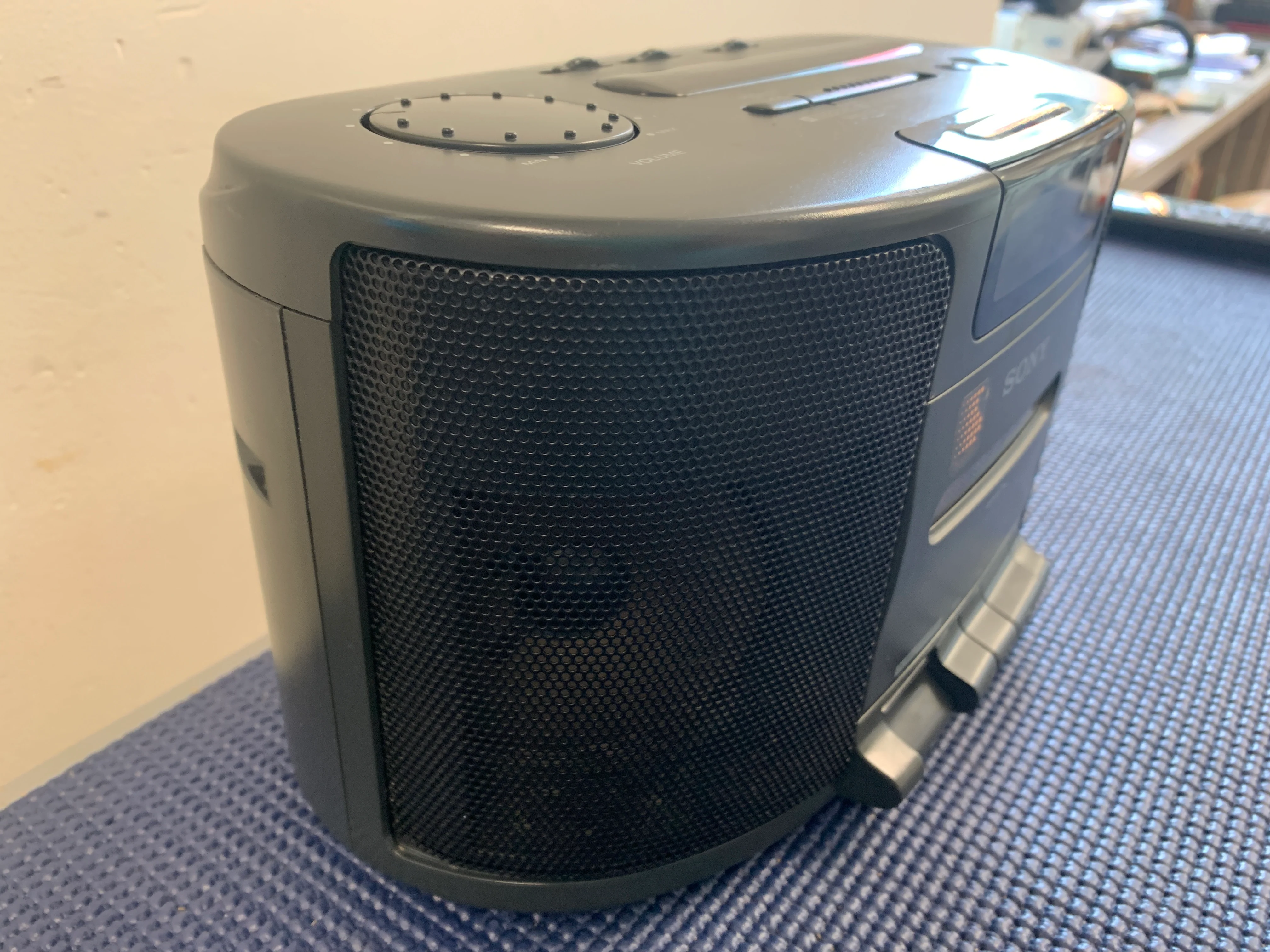
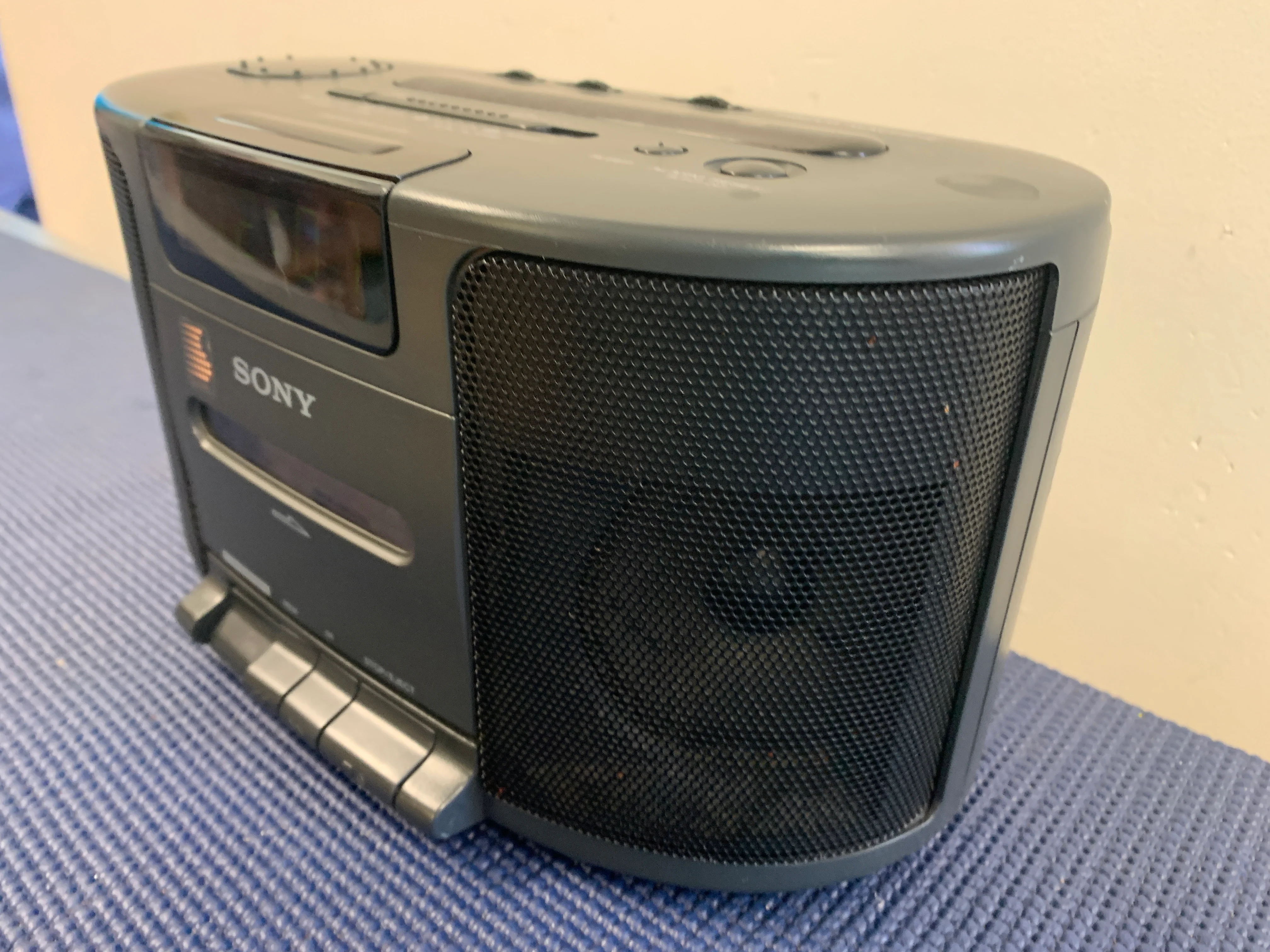
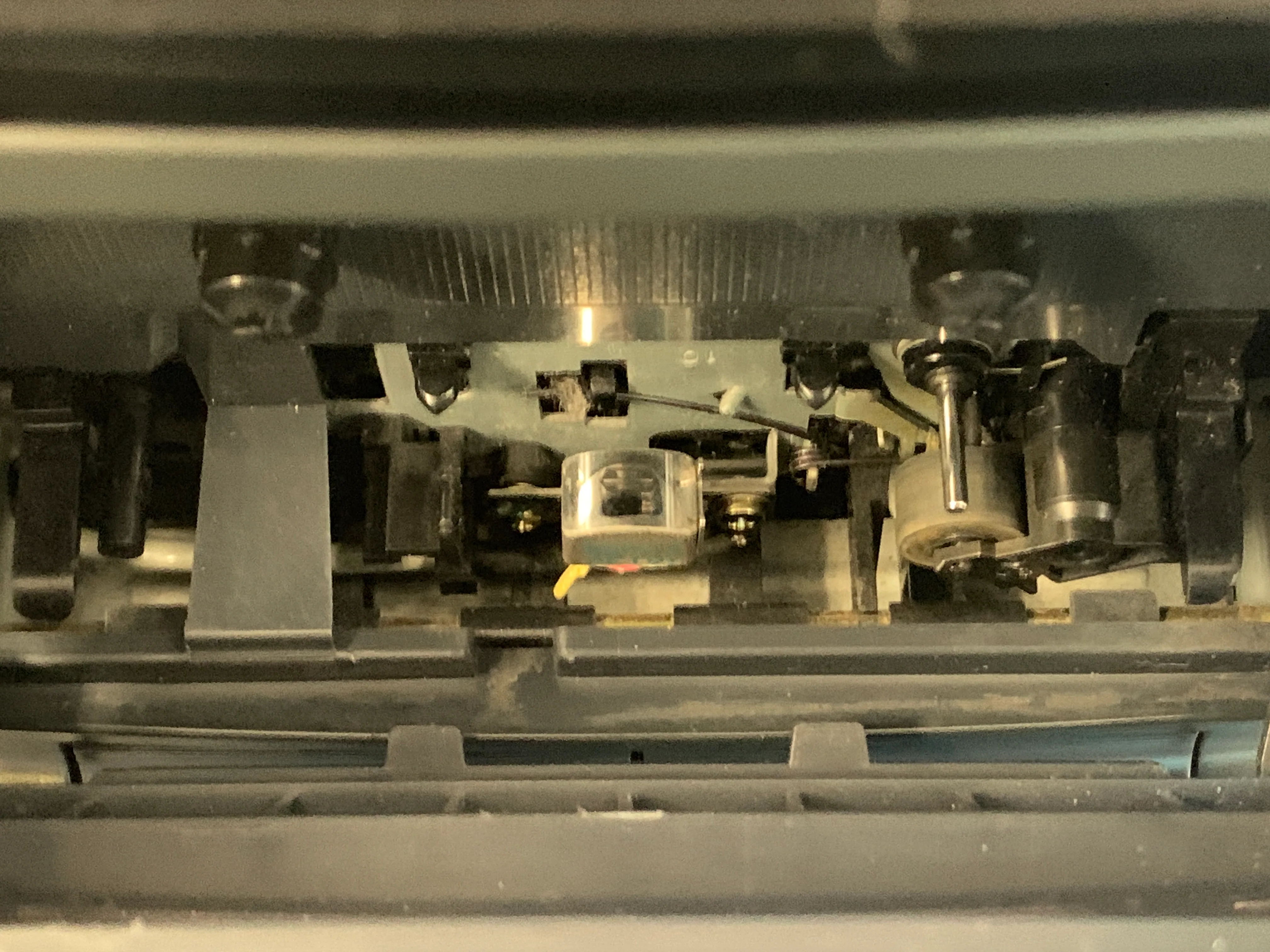
The Sony ICF-CS650 is a clock radio with a cassette player. The radio has an AM/FM stereo, digital clock, and alarm. To set the alarm, you can:
- Press and hold the ALARM button for the radio or tape, then press the TIME SET button
- Press and hold the ALARM button for the buzzer, then press the TIME SET button
- Set the function selector to the desired alarm position: SINGLE ALARM (RADIO/TAPE), SINGLE ALARM (BUZZER), or DUAL ALARM (RADIO/TAPE B BUZZER)
- For a radio alarm, tune in to the desired station and adjust the volume
- For a tape alarm, play back a recorded tape and adjust the volume
Details & Craftsmanship
Every detail has been carefully considered to bring you the perfect product.
Details & Craftsmanship
Every detail has been carefully considered to bring you the perfect product.
Details & Craftsmanship
Every detail has been carefully considered to bring you the perfect product.
Details & Craftsmanship
Every detail has been carefully considered to bring you the perfect product.

Details & Craftsmanship
Every detail has been carefully considered to bring you the perfect product.
Description
The Sony ICF-CS650 is a clock radio with a cassette player. The radio has an AM/FM stereo, digital clock, and alarm. To set the alarm, you can:
- Press and hold the ALARM button for the radio or tape, then press the TIME SET button
- Press and hold the ALARM button for the buzzer, then press the TIME SET button
- Set the function selector to the desired alarm position: SINGLE ALARM (RADIO/TAPE), SINGLE ALARM (BUZZER), or DUAL ALARM (RADIO/TAPE B BUZZER)
- For a radio alarm, tune in to the desired station and adjust the volume
- For a tape alarm, play back a recorded tape and adjust the volume